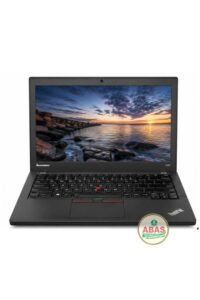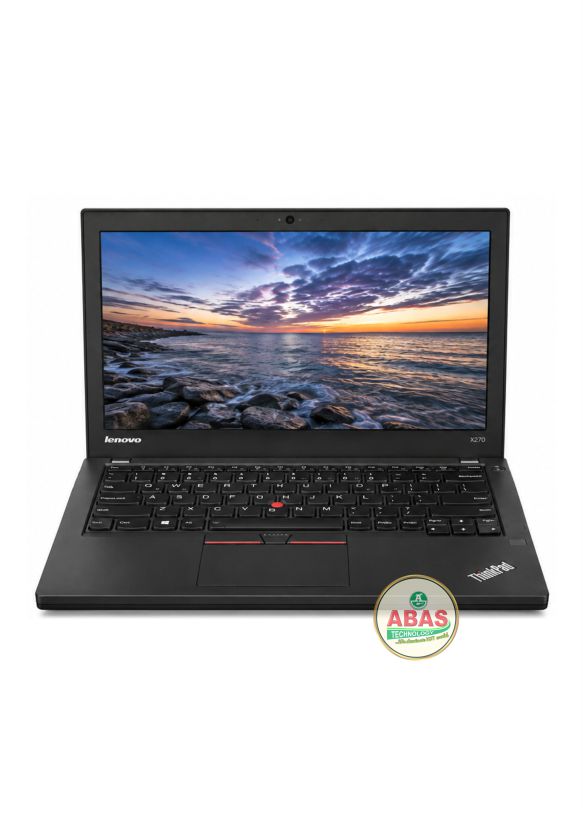
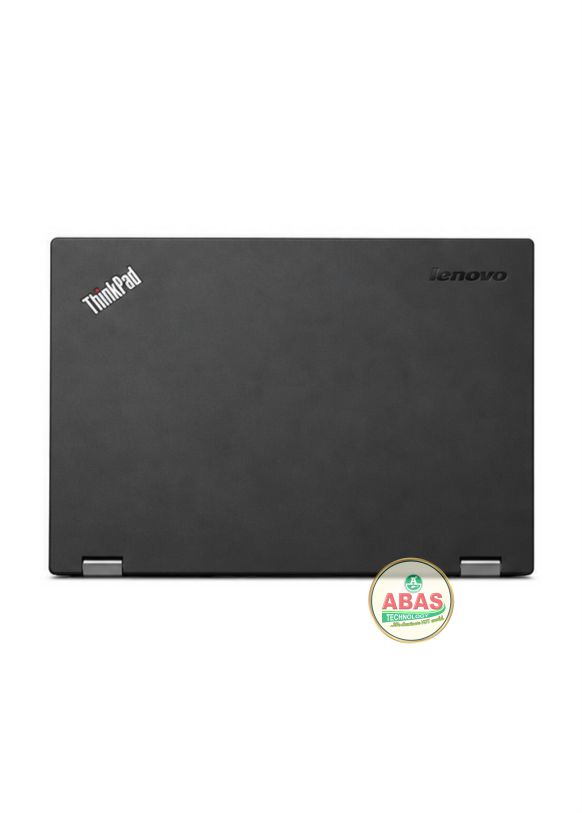
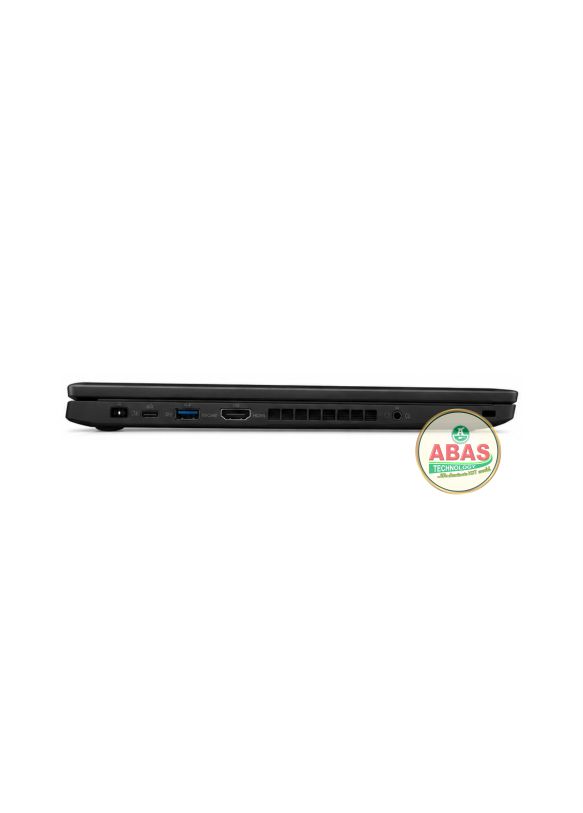
LENOVO THINKPAD X270 i7 SPECIFICATIONS
LENOVO THINKPAD X270 i7 PRICE AND SPECIFICATIONS
Model: Lenovo Thinkpad X270 i7
Operating System: Windows 10 Pro, Windows 10 Home
Storage: 512GB SSD
RAM: 16GB RAM
Display: 12.5-inch HD 1366 × 768 or Full HD 1920 × 1080 display
Other Features: Wi-Fi, Bluetooth, Gigabit Ethernet, HDMI, Mini DisplayPort, 2 × USB 3.0, USB-C, USB 2.0, 4-in-1 card reader, HD webcam, stereo speakers, spill-resistant keyboard, TrackPoint, fingerprint reader on selected configurations, TPM 2.0 and removable external battery.
LENOVO THINKPAD X270 PRICE AND SPECIFICATIONS
The Lenovo ThinkPad X270 is a compact 12.5-inch business laptop designed for professionals, students, office users and frequent travelers. It is part of Lenovo’s ThinkPad X-series and combines a durable business-class chassis with a traditional ThinkPad keyboard, TrackPoint and extensive connectivity.
The X270 is an improved successor to the ThinkPad X260, featuring newer 7th Generation Intel processors and USB-C connectivity.
It is suitable for Microsoft Office, web browsing, programming, accounting software, online classes, business applications, CorelDRAW, Photoshop, Canva and general multitasking.
General Information
- Model: Lenovo ThinkPad X270
- Series: Lenovo ThinkPad X Series
- Laptop Type: Business / Ultraportable Laptop
- Screen Size: 12.5 inches
- Aspect Ratio: 16:9
- Display: HD / Full HD depending on configuration
- Touchscreen: Available on selected configurations
- Operating Systems:
- Windows 10
- Windows 11 on compatible configurations
- Linux on supported configurations
- Build: Business-class ThinkPad construction
Processor (CPU)
Available processors include:
- Intel Core i3-7100U
- Intel Core i5-7200U
- Intel Core i5-7300U
- Intel Core i7-7500U
Processor Features
- 7th Generation Intel Core
- 2 cores
- 4 threads
- Intel Hyper-Threading
- Intel Turbo Boost on i5/i7 models
- Integrated Intel graphics
- 15W mobile processor platform
Maximum Turbo Speeds
- Core i3-7100U: Up to 2.4 GHz
- Core i5-7200U: Up to 3.1 GHz
- Core i5-7300U: Up to 3.5 GHz
- Core i7-7500U: Up to 3.5 GHz
The Core i5-7200U and i5-7300U provide a good balance between price and performance, while the Core i7-7500U is the highest-performance processor offered in the X270.
Graphics
Integrated Graphics
- Intel HD Graphics 620
- Integrated into the processor
- Shared system memory
- No dedicated NVIDIA or AMD GPU
Suitable Graphics Tasks
The ThinkPad X270 can handle:
- Microsoft Word
- Microsoft Excel
- Microsoft PowerPoint
- Web browsing
- Canva
- CorelDRAW
- Basic Adobe Photoshop
- Light photo editing
- Basic graphic design
- Full HD video playback
- Programming
- Online classes
- Zoom
- Microsoft Teams
- External displays
Graphics Limitations
It is not designed for:
- High-end gaming
- Heavy 3D rendering
- Advanced 3D animation
- Professional CAD rendering
- Heavy 4K video editing
- GPU-intensive engineering software
Memory (RAM)
- Type: DDR4 SDRAM
- Speed: 2133 MHz
- RAM slots: 1 × SODIMM
- Available configurations: 4GB / 8GB
- Maximum supported RAM: 16GB
The X270 has one accessible SODIMM slot, allowing the memory to be upgraded.
Recommended RAM
For basic office work:
4GB–8GB
For multitasking:
8GB
For the best configuration:
16GB
For a used X270, 16GB RAM + SSD is recommended.
Storage
Depending on configuration, the ThinkPad X270 supports:
- 500GB HDD
- 1TB HDD
- 128GB SSD
- 256GB SSD
- 512GB SSD
- Compatible 2.5-inch SATA storage
Storage Features
- 2.5-inch SATA storage bay
- SATA SSD support
- HDD support
- Replaceable storage
Recommended Storage
For basic use:
128GB SSD
For normal productivity:
256GB SSD
For professional/business use:
512GB SSD
A 512GB SSD is recommended for users who store documents, software, photos and videos.
Display
The ThinkPad X270 was available with:
HD Display
- 12.5 inches
- 1366 × 768
- LED backlight
- Anti-glare
Full HD Display
- 12.5 inches
- 1920 × 1080
- LED backlight
- Anti-glare
- Better image quality
- More workspace
Touchscreen
Selected configurations include:
- 12.5-inch touchscreen
- Multi-touch support
- HD or Full HD depending on configuration
For graphic design, Photoshop and business productivity, the Full HD display is preferable.
Build Quality
- Classic ThinkPad construction
- Durable business chassis
- Compact design
- Spill-resistant keyboard
- Professional appearance
- Designed for business users
- Excellent portability
The X270 is built for users who value durability and portability.
Keyboard & Touchpad
- ThinkPad keyboard
- Spill-resistant design
- TrackPoint
- Dedicated TrackPoint buttons
- Multi-touch touchpad
- Comfortable typing layout
The keyboard is suitable for:
- Programming
- Office work
- Typing
- Data entry
- Accounting
- Business applications
- School work
- Long working sessions
Battery
One of the biggest advantages of the X270 is its dual-battery design.
Depending on configuration, it can use:
- Internal battery
- External removable battery
- Dual-battery configuration
- Lithium-ion batteries
The removable external battery allows users to replace the battery without replacing the entire laptop.
Actual battery life depends on:
- Battery health
- Battery capacity
- Screen brightness
- Wi-Fi usage
- Processor workload
- Operating system
For a used X270, check the health of both the internal and external batteries.
Connectivity
Wireless
- Wi-Fi
- Bluetooth
- Optional WWAN/mobile broadband
Wired
- Gigabit Ethernet
- HDMI
- Mini DisplayPort
- USB-C
Ports
The Lenovo ThinkPad X270 includes:
- 2 × USB 3.0
- 1 × USB 2.0
- USB-C
- HDMI
- Mini DisplayPort
- RJ-45 Gigabit Ethernet
- 4-in-1 card reader
- 3.5mm headphone/microphone combo jack
- Power connector
- Security lock slot
The inclusion of USB-C makes the X270 more versatile than the older X260.
Webcam
Depending on configuration:
- HD webcam
- 720p video
- Integrated microphone
Suitable for:
- Zoom
- Microsoft Teams
- Skype
- Google Meet
- Online classes
- Video conferencing
- Remote work
Audio
- Stereo speakers
- Integrated microphone
- HD audio
- Headphone/microphone combo jack
Suitable for:
- YouTube
- Music
- Movies
- Video conferencing
- Online classes
- Presentations
Security Features
Depending on configuration:
- TPM 2.0
- Fingerprint reader
- BIOS password
- Power-on password
- Hard-drive password
- Security lock slot
- Secure Boot
- Computrace
- Windows Hello on compatible configurations
Dimensions
Approximately:
- Width: 305.5 mm
- Depth: 208.5 mm
- Thickness: approximately 20.3 mm
The compact size makes it very convenient for travel.
Weight
- Approximately 1.3 kg starting weight
Actual weight varies depending on battery and configuration.
The X270 remains highly portable even by modern business-laptop standards.
Upgrade Options
Users can upgrade or replace:
- RAM
- 2.5-inch SATA HDD/SSD
- Battery
- Wireless card
- WWAN module where supported
- Some other internal components
RAM Upgrade
The X270 has one SODIMM slot.
A practical upgrade path is:
4GB → 8GB → 16GB
Storage Upgrade
The original HDD can be replaced with a SATA SSD.
Recommended Upgrade
16GB DDR4 RAM + 512GB SATA SSD
This combination provides a considerably faster and more responsive experience.
Non-Upgradable Components
- Processor is soldered to the motherboard
- Intel HD Graphics 620 is integrated into the processor
Performance
The Lenovo ThinkPad X270 is ideal for:
- Microsoft Word
- Microsoft Excel
- Microsoft PowerPoint
- Web browsing
- Programming
- Software development
- Accounting software
- CorelDRAW
- Adobe Photoshop
- Canva
- Light graphic design
- Online classes
- Zoom
- Microsoft Teams
- Business applications
- General multitasking
- Light photo editing
Performance Verdict
The Lenovo ThinkPad X270 is a good budget business and student laptop, particularly when equipped with a Core i5 processor, 16GB RAM and an SSD. This configuration is best for office work, programming, accounting, browsing, online classes, CorelDRAW, Photoshop, Canva, light graphic design and general productivity.