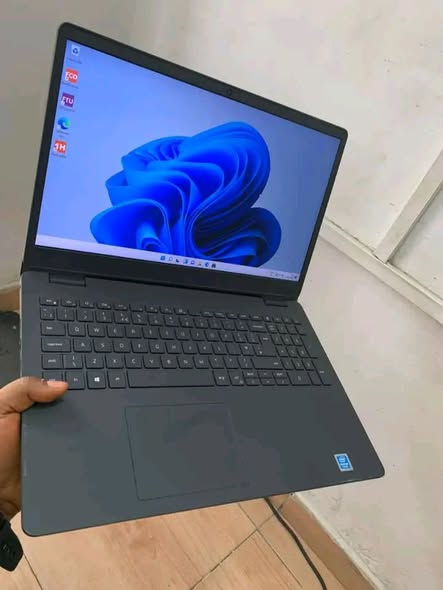
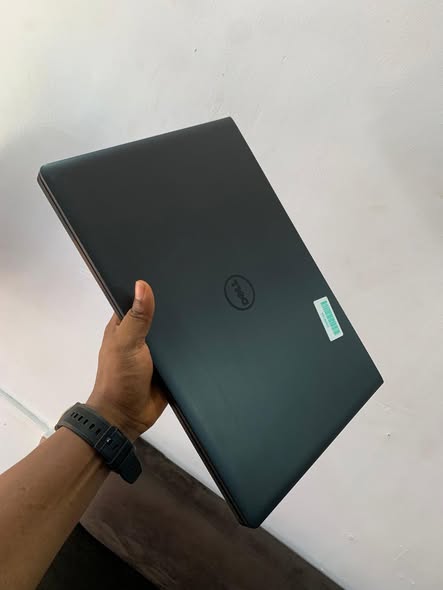
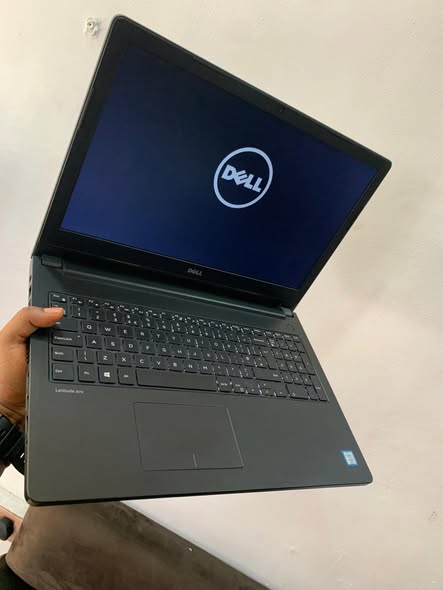
Dell Latitude E3550 Specification/Price in Nigeria
Description
Dell Latitude E3550 Specification/Price in Nigeria
Overview
The Dell Latitude E3550 is a professional business-class laptop released around 2015 and designed for office productivity, educational use, and general computing tasks. It belongs to Dell’s Latitude series, known for durability, reliability, and enterprise-friendly features.
With its 15.6-inch display, solid performance hardware, and upgrade flexibility, the E3550 is widely used by:
- Students
- Business professionals
- Office workers
- Freelancers
The system balances performance, portability, and affordability. It is especially suitable for everyday tasks such as:
- Microsoft Office work
- Internet browsing
- Graphics design (light tasks)
- Video streaming
- School or administrative work
Depending on configuration, the laptop can be equipped with Intel Core i3 or Core i5 processors and either HDD or SSD storage options.
Processor (CPU)
The Dell Latitude E3550 is powered by Intel 5th Generation processors.
Common configurations include:
- Intel Core i5-5200U (2.2GHz up to 2.7GHz)
- Intel Core i5-5300U (Turbo up to 2.9GHz)
- Intel Core i3-4005U (1.7GHz)
These are dual-core processors with Hyper-Threading support.
Performance Impact
The CPU is suitable for:
✔ Multitasking
✔ Office work
✔ Web applications
✔ Educational software
✔ Light creative tasks
It is not designed for heavy gaming or high-end video editing but performs smoothly in everyday productivity environments.
Display (Screen Quality)
The laptop comes with a 15.6-inch display, available in:
- HD (1366 × 768)
- Full HD (1920 × 1080)
Features include:
- Anti-glare coating
- LED backlight
- Wide viewing angles (IPS on some variants)
Viewing Experience
The screen is:
✔ Comfortable for long work sessions
✔ Suitable for watching movies
✔ Ideal for document editing
Full HD versions offer sharper text and better visual clarity.
Memory (RAM)
The Dell Latitude E3550 uses:
- DDR3L RAM
Typical configurations:
- 4GB RAM
- 8GB RAM
RAM is upgradeable, allowing users to improve multitasking performance.
RAM Performance
With upgraded RAM, the laptop handles:
✔ Multiple browser tabs
✔ Office applications
✔ Light design software
efficiently.
Storage (Hard Drive / SSD)
Storage options include:
- 500GB HDD
- 120GB / 240GB SSD
Graphics (GPU)
The E3550 uses integrated Intel graphics, such as:
- Intel HD Graphics 4400
- Intel HD Graphics 5500
Graphics Capability
Suitable for:
✔ Video playback
✔ Office applications
✔ Light photo editing
✔ Basic graphic design
Not ideal for:
✖ Heavy gaming
✖ 3D rendering
Build Quality & Design
The Dell Latitude series is known for strong construction.
Key design features:
- Professional matte finish
- Durable plastic chassis
- Slim business look
- Weight: approx. 2.2kg
The laptop is sturdy enough for:
✔ Office mobility
✔ Classroom use
✔ Frequent transport
Keyboard & Touchpad
The laptop features:
- Full-sized keyboard
- Numeric keypad
- Large touchpad
The typing experience is:
✔ Comfortable
✔ Responsive
✔ Suitable for long typing sessions
Touchpad is wide and smooth for easy navigation.
Ports & Connectivity
Available ports include:
- 2 × USB 3.0
- 1 × USB 2.0
- HDMI
- VGA
- Ethernet (RJ45)
- SD Card Reader
- Audio combo jack
Wireless connectivity:
- WiFi
- Bluetooth 4.0
Battery & Power
The E3550 uses a:
- 4-cell 43WHr battery
Battery life supports:
✔ Office productivity
✔ Academic use
✔ Moderate browsing
Expected usage time depends on workload but is adequate for daily work sessions.
Security Features
Being a business laptop, it includes:
- Optional Smart Card reader
- Enterprise-grade network security support
- BIOS-level security (typical of Latitude series)
Operating System
Windows 10 Pro (64-bit) and Windows 11 Pro (with compatible CPU & TPM)
How to order a product?
To order a product, scan through our available products and select any item of your choice. Once you have chosen the product, provide your contact details, delivery address, and preferred payment method. After confirming your order, you will receive a notification containing your order and other important details.
All products come with an invoice from Abas Technology/bizmall.com and must be presented for any warranty claim.
Claims without proof of purchase will not be accepted. Each product comes with a warranty seal; if broken or tampered with, the warranty becomes void immediately.
Once your order shows on our website, we will confirm and dispatch your product within 24 hours. If you are in Nigeria, expect your product within 3 days depending on your location in Nigeria.
Safety Tips
- • Payments are maintained securely by us
- • We protect your money until you receive the item
- • Inspect the item upon delivery
- • Support is available 24/7 if you need help
Related products
-
Sale!
Dell Latitude 7390 X360 convertible i5 Price / Specification in Nigeria
Original price was: ₦390,000.00.₦380,000.00Current price is: ₦380,000.00. Add to cart -
Sale!
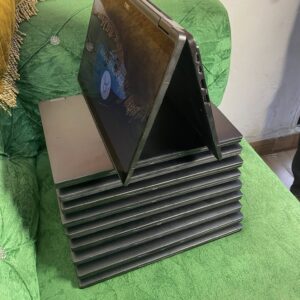
Dell Latitude 7390 x360 i5 Specification/Price in Nigeria
Original price was: ₦310,000.00.₦300,000.00Current price is: ₦300,000.00. Add to cart -
Sale!
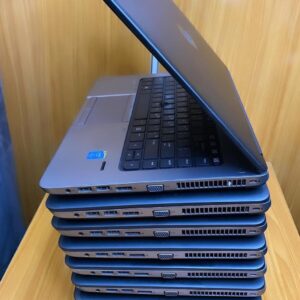
Hp Elitebook 840 G2 i7 Prices in Nigeria
Original price was: ₦200,000.00.₦195,000.00Current price is: ₦195,000.00. Add to cart -
Sale!
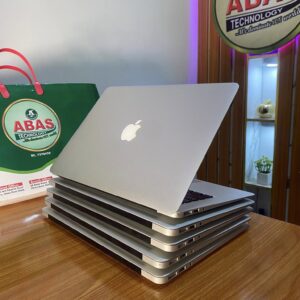
MacBook Air 2015 Specification/Price in Nigeria
Original price was: ₦300,000.00.₦290,000.00Current price is: ₦290,000.00. Add to cart