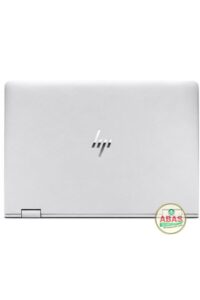
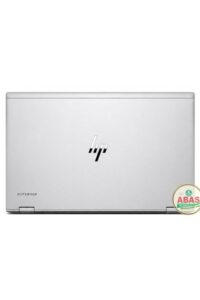
HP ELITEBOOK 840 G1 i7 SPECIFICATIONS
HP ELITEBOOK 840 G1 i7 PRICE AND SPECIFICATIONS
Model: HP EliteBook 840 G1 i7
Operating System: Windows 10, 10 pro, 11
Storage: 512GB SSD
RAM: 16GB RAM
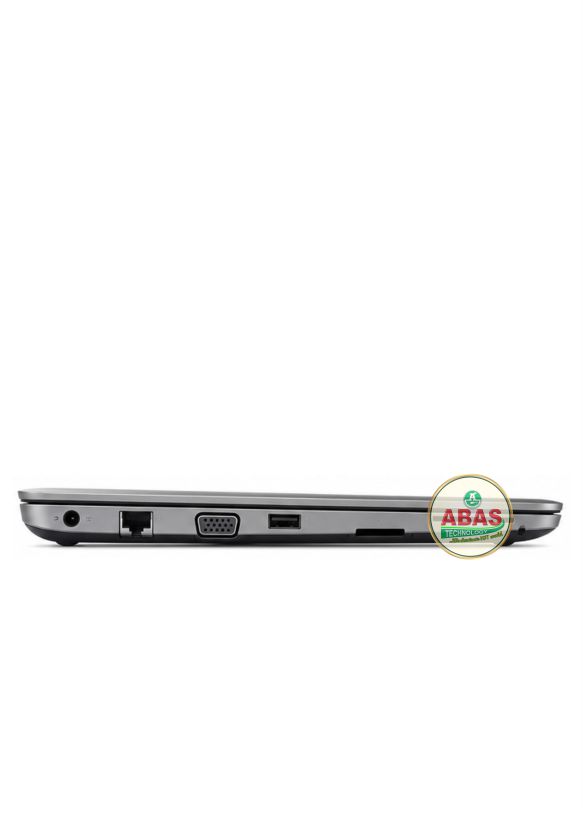
Other Features: Wi-Fi 802.11 a/b/g/n/ac (varies), Bluetooth 4.0, Gigabit Ethernet (RJ-45), 4 × USB 3.0, Display Port 1.2, Headphone/Microphone combo jack, SD Card Reader.
HP ELITEBOOK 840 G1 i7 PRICE AND SPECIFICATIONS
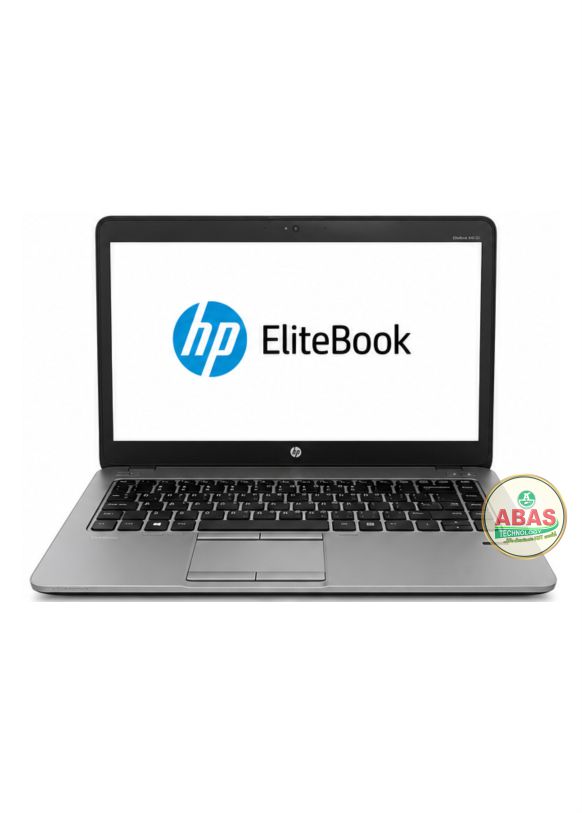
Overall, the HP EliteBook 840 G1 remains a dependable business laptop for students, office professionals, and everyday users. The HP EliteBook 840 G1 is a premium 14-inch business laptop designed for professionals who need durability, security, and reliable performance. Released as part of HP’s EliteBook G1 series, it remains a popular choice for office work, programming, browsing, online classes, and light content creation.
General Information
- Model: HP EliteBook 840 G1
- Series: HP EliteBook 800 Series
- Release Year: 2013
- Laptop Type: Business Ultrabook
- Operating System:
- Windows 7 Professional (Original)
- Windows 8/8.1 Pro
- Compatible with Windows 10 Pro
- Supports Windows 11 (with some hardware limitations)
Processor (CPU)
Available with Intel 4th Generation (Haswell) processors:
- Intel Core i7-4500U
- Intel Core i7-4600U
Maximum Turbo Speed: Up to 3.3 GHz (depending on processor)
Graphics
- Intel HD Graphics 4400 (Integrated)
- Optional AMD Radeon HD 8750M (1GB Dedicated Graphics on selected models)
Suitable for:
- Microsoft Office
- Web browsing
- HD video streaming
- Photoshop (basic to moderate)
- AutoCAD (light)
- Casual gaming
Memory (RAM)
- Type: DDR3L SDRAM (1600 MHz)
- RAM Slots: 2
- Standard RAM: 4GB or 8GB
- Maximum Supported RAM: 16GB (2 × 8GB)
Storage
Supports:
- 128GB SSD
- 180GB SSD
- 240GB SSD
- 256GB SSD
- 500GB HDD
- 500GB SSD
- 1TB SSD (after upgrade)
Storage is user-upgradable.
Display
- Screen Size: 14 inches
- Resolution Options:
- HD (1366 × 768)
- HD+ (1600 × 900)
- Full HD (1920 × 1080 IPS on select models)
- LED Backlit
- Anti-glare Display
Build Quality
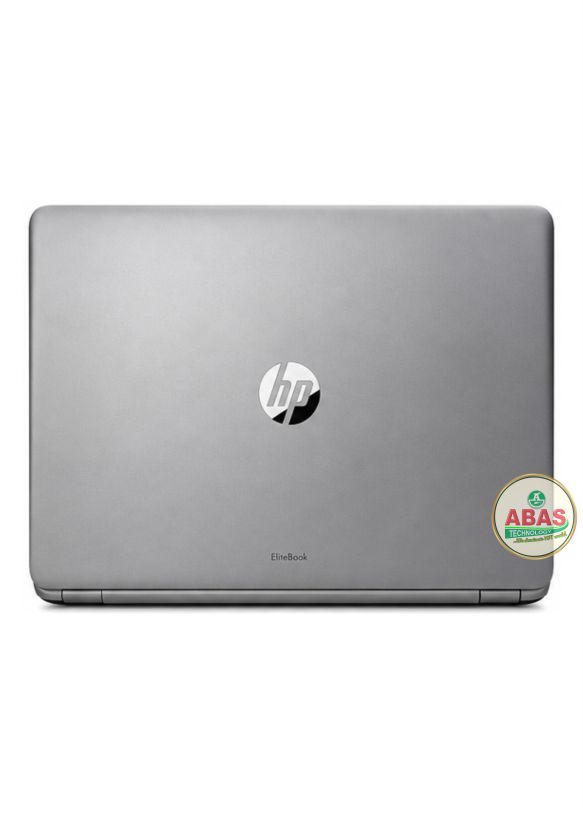
- Magnesium alloy chassis
- Aluminum finish
- Spill-resistant keyboard
- MIL-STD 810G durability tested
- Professional business-class design
Keyboard & Touchpad
- Full-size island-style keyboard
- Spill-resistant keyboard
- Optional backlit keyboard
- Multi-touch touchpad
- PointStick (select models)
Battery
- 3-cell Lithium-Ion
- 6-cell Lithium-Ion
- Capacity varies by configuration
- Battery life:
- Approximately 5–9 hours, depending on battery condition and workload
Connectivity
Wireless
- Wi-Fi 802.11 a/b/g/n/ac (varies)
- Bluetooth 4.0
Wired
Ports
- 4 × USB 3.0
- DisplayPort 1.2
- VGA
- RJ-45 Ethernet
- Docking connector
- Headphone/Microphone combo jack
- Smart Card Reader (optional)
- SD Card Reader
Webcam
- 720p HD Webcam
- Integrated microphone
- Suitable for Zoom, Teams, Skype, and Google Meet
Audio
- DTS Studio Sound
- Stereo Speakers
- Dual Microphones
Security Features
- TPM (Trusted Platform Module)
- HP BIOS Protection
- HP Sure Start BIOS Recovery
- Fingerprint Reader (optional)
- Smart Card Authentication (optional)
- DriveLock Security
- BIOS Password Protection
Dimensions
- Width: 33.9 cm (13.35 inches)
- Depth: 23.7 cm (9.33 inches)
- Thickness: Approximately 2.1 cm (0.83 inches)
Weight
- Starting from 1.58 kg (3.48 lbs) depending on configuration.
Upgrade Options
Users can upgrade:
- RAM up to 16GB
- SATA SSD up to 1TB or more
- Wi-Fi card
- Battery
- Keyboard
- Internal CMOS battery
The processor and graphics chipset are soldered to the motherboard and cannot be upgraded.
Performance
The HP EliteBook 840 G1 is ideal for:
- Office productivity
- Internet browsing
- Online learning
- Programming
- Accounting software
- Graphic design (CorelDRAW, Photoshop)
- Video conferencing
- Multimedia playback